sign up for twist

continue with google
or

Have an account? This signs you in.

Publish and share the tools you make.

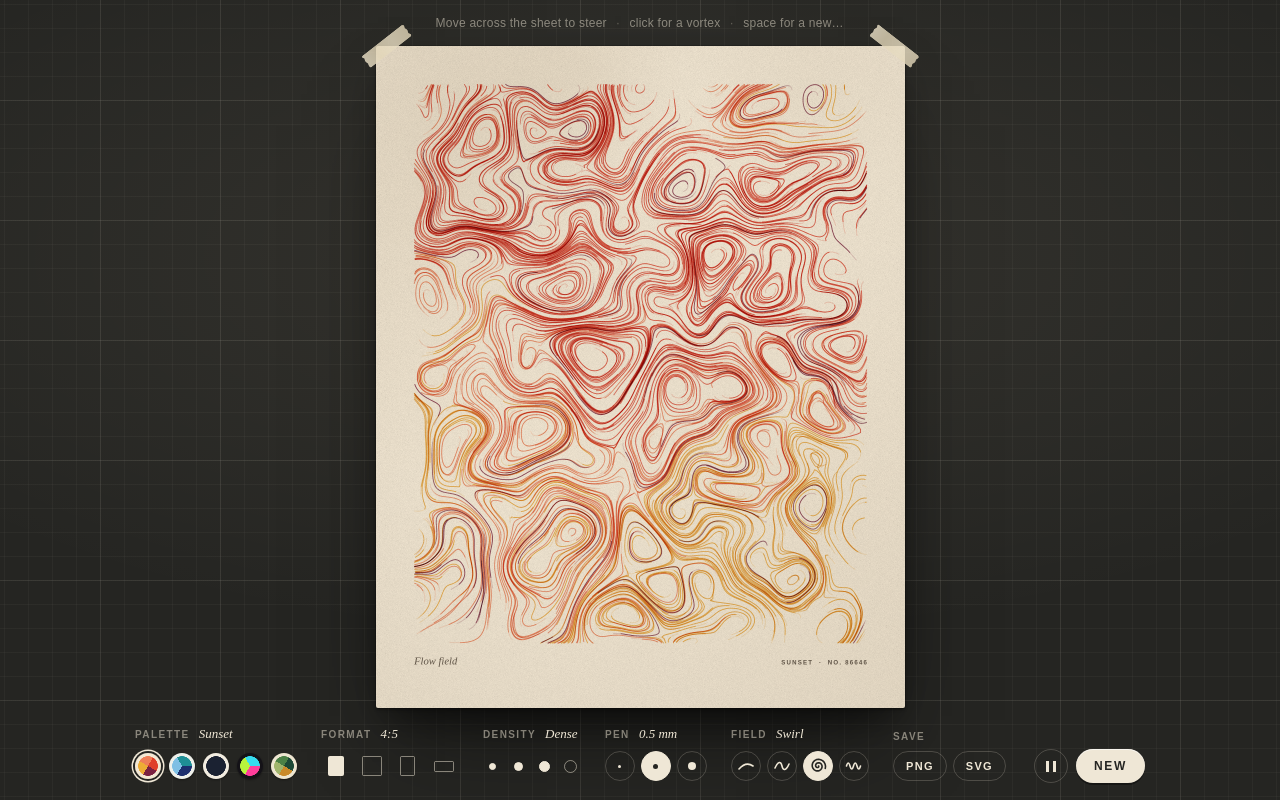
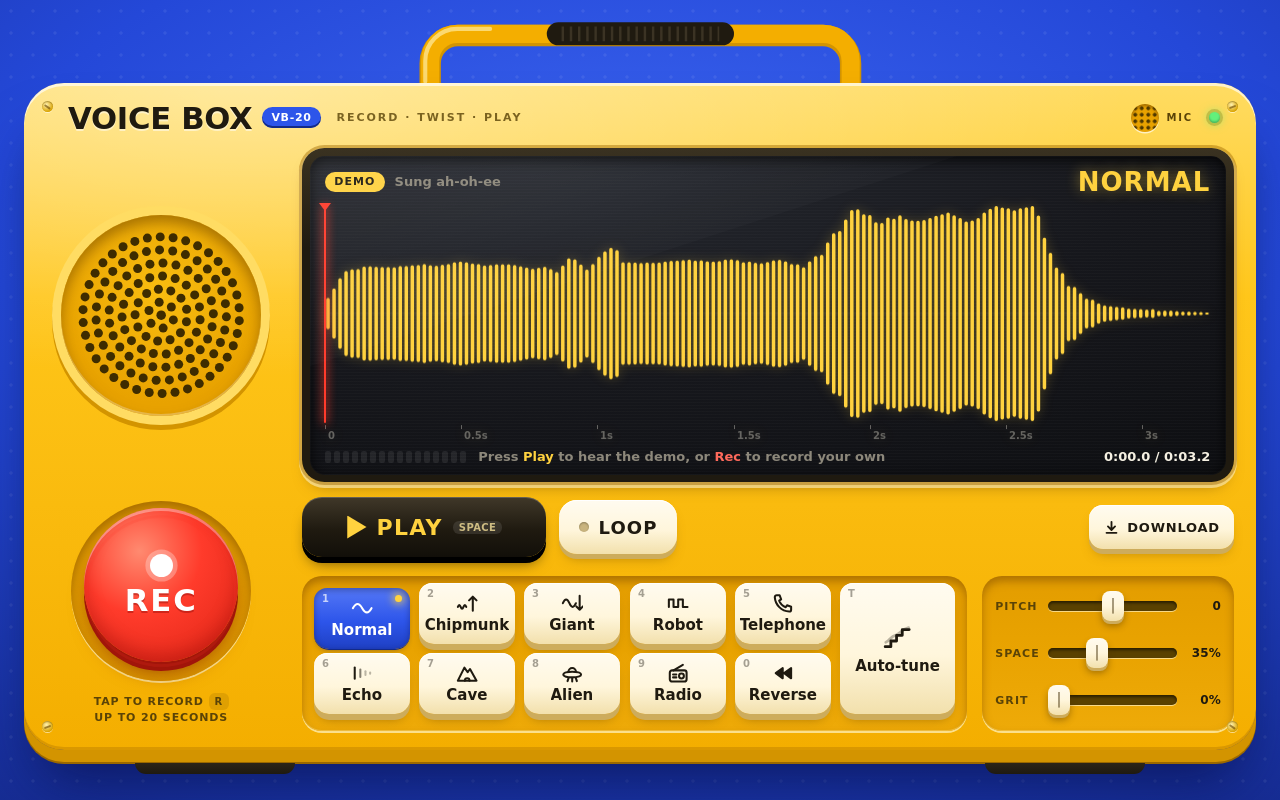
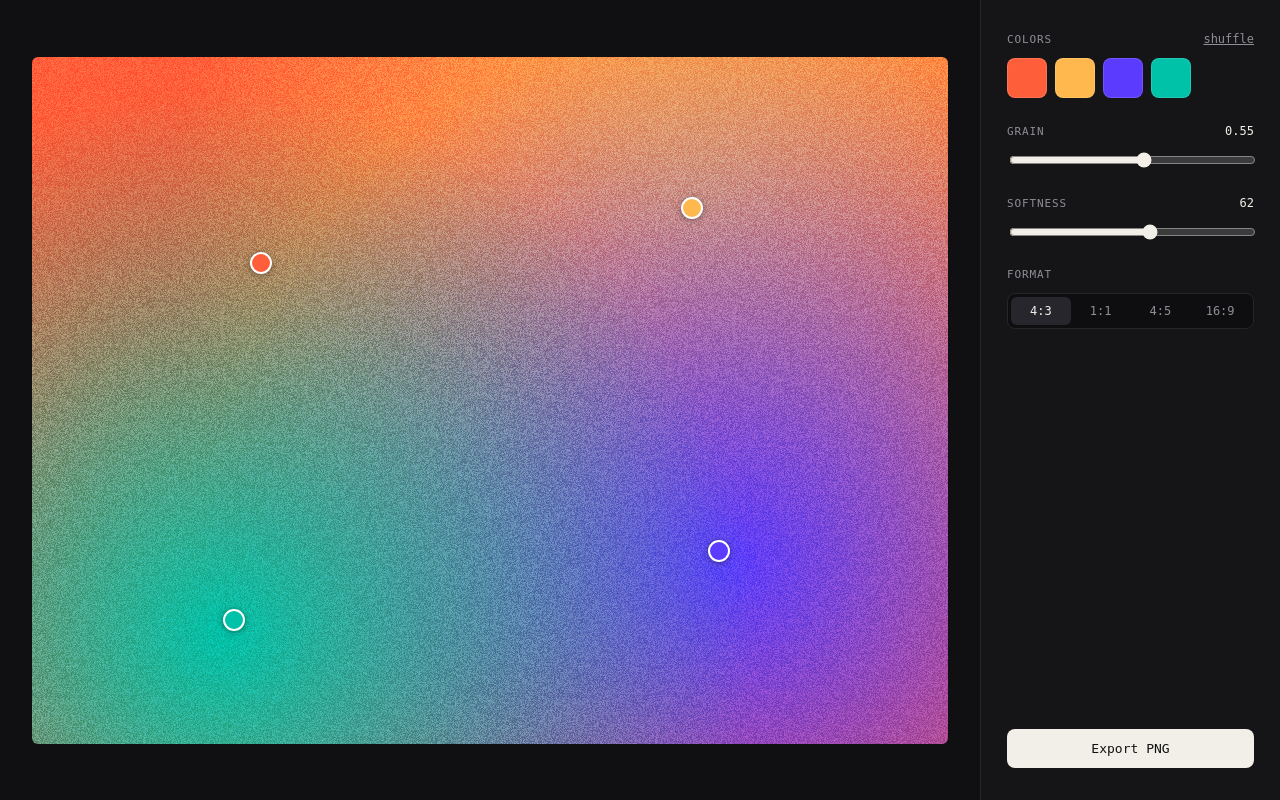
Everyone's building small creative tools with their agents now. Twist gives them a place to live, and a link to share.

start publishing

publish in one prompt

Tell Claude, ChatGPT, Cursor or any agent to publish this to twist. No agent? Drop the folder on the publish page. Either way you get a link in seconds.
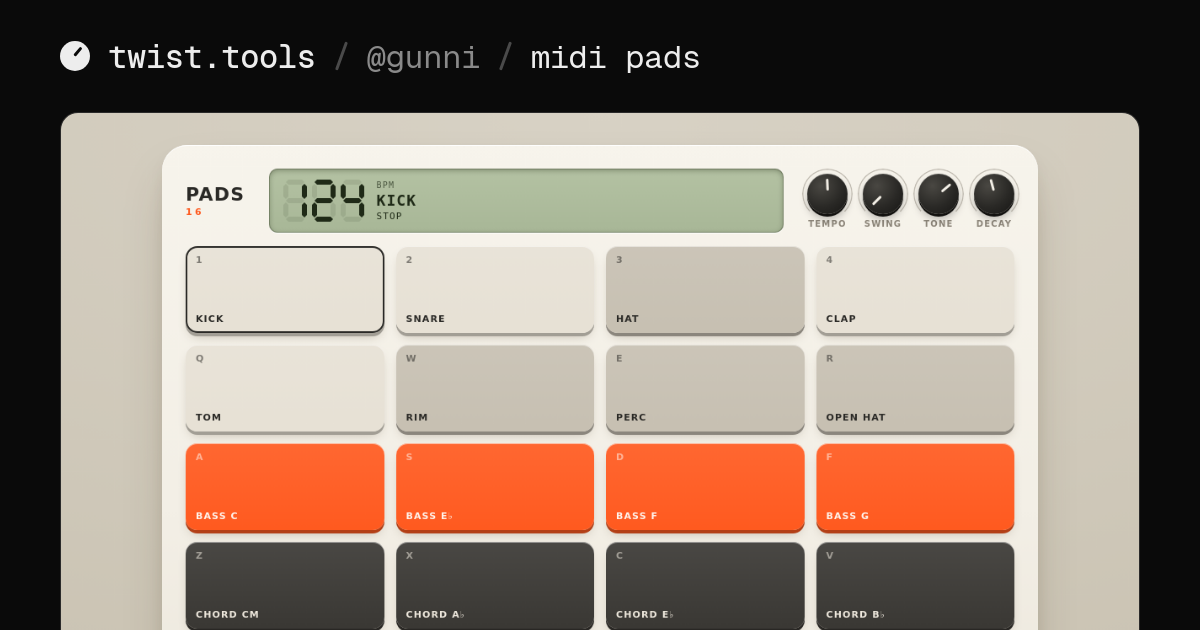
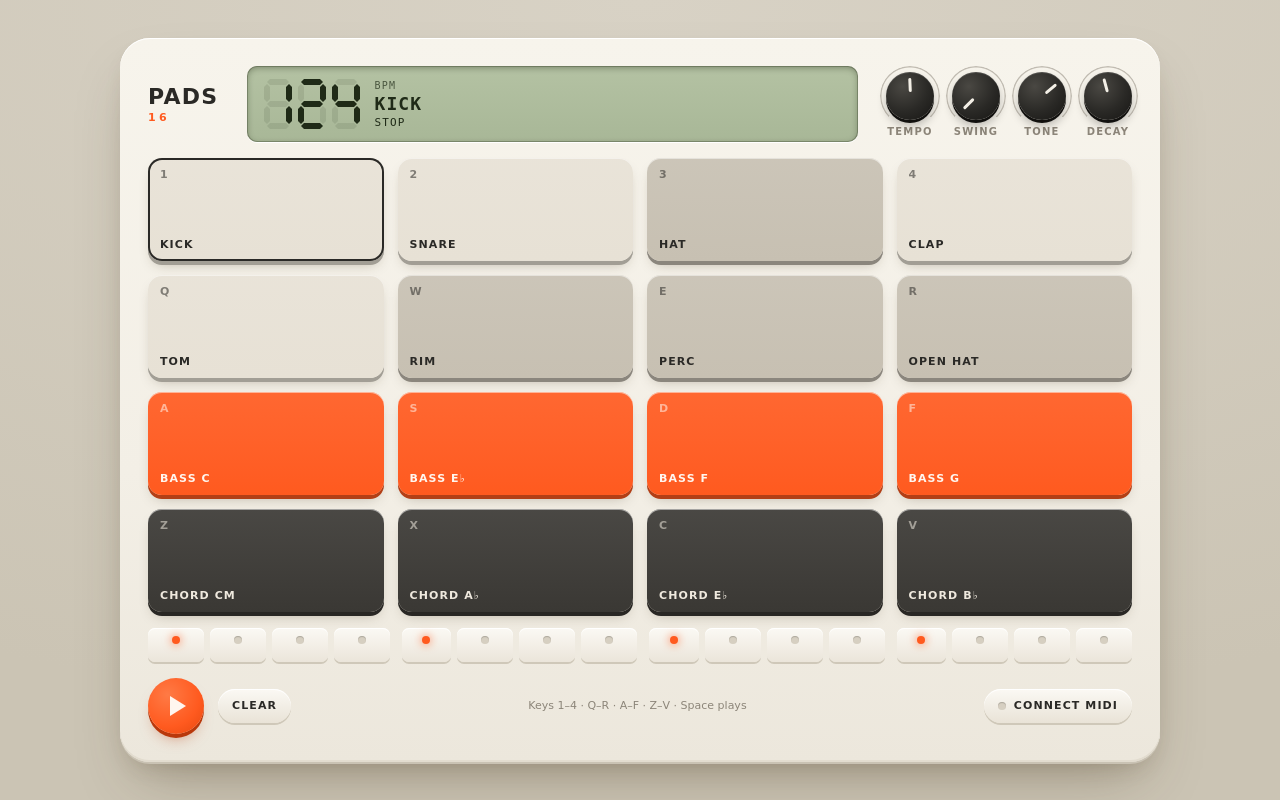
The preview card for MIDI pads
twist.tools/gunni/midi-pads

a link for every tool

Hosted at twist.tools/you/tool. Once it's public, anyone can open it and use it right there, no install, and it posts with a preview card like this one.

save and remix other people's tools

Save the ones you use and find them in one place. Remix makes your own private copy to change, credited to the person who made it.

all your tools, one place

twist.tools/you has every public tool you've made, ready to use. Someone who likes one finds the rest.

get started

Connect once, then publish from any folder.

  1. 01connectAdd Twist to your agent.
  2. 02publishAsk it, in your tool's folder:publish this to twist
  3. 03shareMake it public and send the link:twist.tools/gunni/midi-pads

questions

what can I publish?

A web page that does something: an index.html with its scripts, styles and files. Built files, no server code, up to 25 MB. What a tool needs

which agents work?

Claude on the web, desktop and in Claude Code, ChatGPT, Cursor, VS Code, and anything else that connects to MCP servers. No agent? Drop a folder on the publish page.

who can see my tools?

Only you, until you make one public. Then anyone with the link can use it, and it shows on your profile.

can a tool call APIs or load fonts?

Yes, if you list the sites in a twist.json next to index.html (up to 20, and *.example.com works). Everything else is blocked. Only APIs that work without a secret key are supported: keys can't go in the code, and asking visitors for theirs is against the terms.

can people copy my tool?

Yes, unless you turn remixes off for that tool. A remix starts as their own private copy, credited to you. They can change it and make it public.

what does it cost?

Nothing for now. Each account has 500 MB for its tools and media. Terms and privacy

connect your agent

Pick yours. You only do this once.

  1. 1
    Open connectors in Claude

    Click Add, then Add custom connector.

  2. 2

    Name it Twist, paste this, and click Add. Leave the sign-in options as they are.

    https://twist.tools/mcp
  3. 3

    Click Connect, then Allow on Twist. Now ask Claude to publish this to twist.

The whole thing, 30 seconds.

One connector covers Claude on the web, desktop and phone, and Claude Code when it's signed in with the same Claude account.

  1. 1
    Open plugins in ChatGPT

    Click Add, then Add custom MCP server.

  2. 2

    Name it Twist, paste this as the server URL, keep OAuth, and click Create the plugin.

    https://twist.tools/mcp

    Want our icon on it? Download it and add it as the icon.

  3. 3

    Click Connect, then Allow on Twist. In a chat, ask ChatGPT to publish this to twist.

The whole thing, 30 seconds.

Custom plugins need a paid ChatGPT plan. If Add custom MCP server isn't there, turn on Developer mode in ChatGPT's settings.

  1. 1
  2. 2

    Cursor asks to install it. Then, in its MCP settings, click connect and sign in to Twist.

  3. 3

    In the folder with your tool, ask: publish this to twist

  1. 1
  2. 2

    VS Code asks to install it. Start it when asked and sign in to Twist.

  3. 3

    In Copilot's agent mode, ask: publish this to twist

  1. 1

    In a terminal, run:

    claude mcp add --scope user --transport http twist https://twist.tools/mcp
  2. 2

    In Claude Code, type /mcp, pick twist and sign in. Your browser opens once.

  3. 3

    In the folder with your tool, ask: publish this to twist

Signed in to Claude Code with your Claude account? Add Twist in Claude instead and it shows up here too.

  1. 1

    Add a remote MCP server with this address:

    https://twist.tools/mcp
  2. 2

    Sign in to Twist when your browser opens.

    If your agent can't sign in through a browser, make a token in connections.

  3. 3

    In the folder with your tool, ask: publish this to twist

Several coding agents on one computer? npx add-mcp https://twist.tools/mcp --name twist -g adds Twist to all of them, using add-mcp by Neon.

Starting from an idea? In Claude Code, /mcp__twist__new_tool builds one with you, and /mcp__twist__publish gets a folder ready and publishes it.